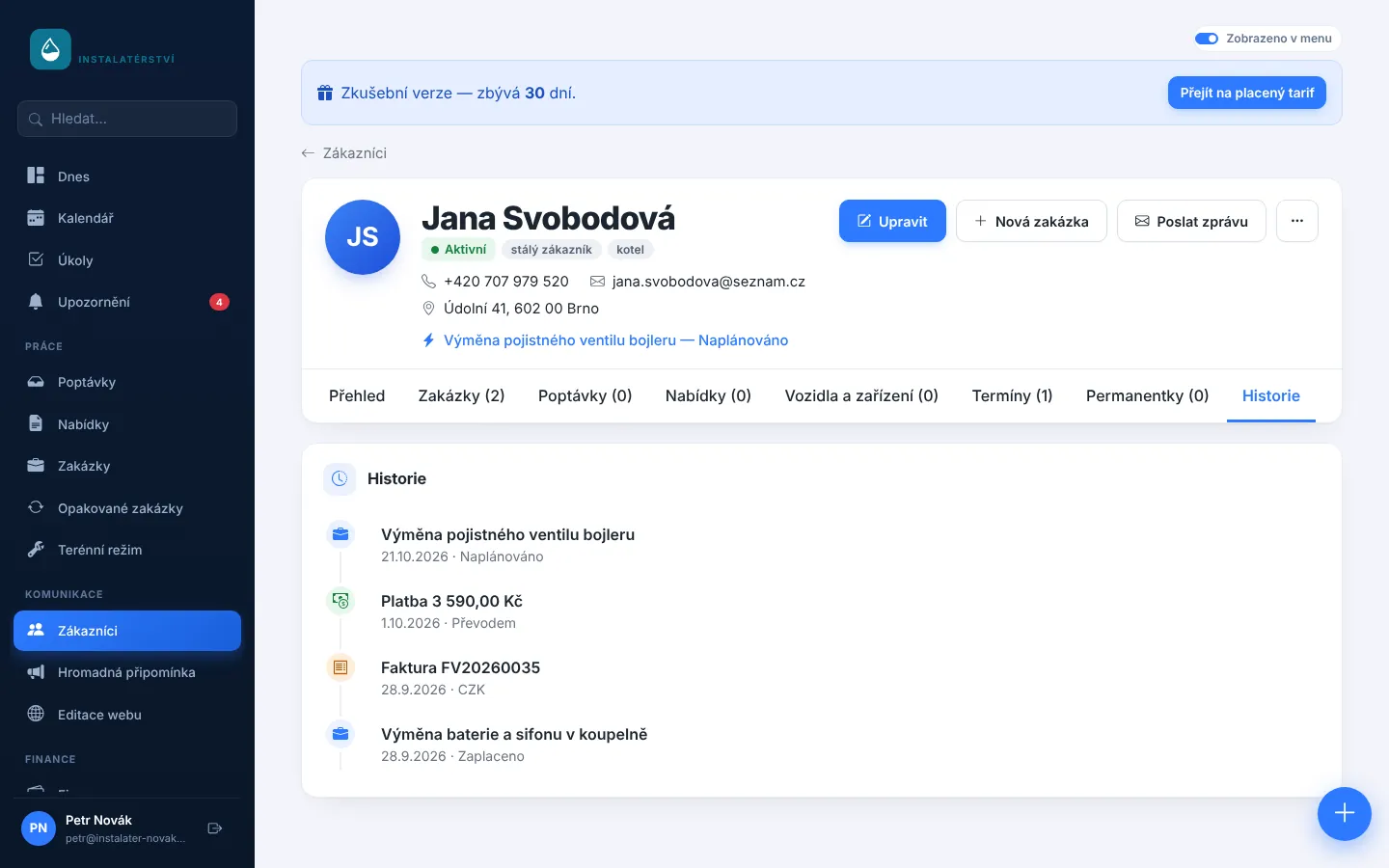
How many calls a week are about things already in your system? The customer wants to know when you are coming, whether their payment arrived, or needs the invoice again because they cannot find it in their email. Every one of those calls pulls you away from work.
Everything in one place, on mobile too
On the customer record choose More actions → Customer portal and create a single link. There the customer sees:
- upcoming appointments and the status of their jobs,
- quotes waiting for approval,
- invoices and proforma invoices to pay with a QR payment link,
- paid documents and credit notes,
- photos from finished jobs, before and after.
Customers see only what is theirs
The portal shows only that customer's details. Internal notes, job prices and other photos stay hidden. Send the link by email, and switch it off or replace it at any time; the old link then stops working. That is handy if a customer forwards it by mistake.
Who benefits most
- Regular customers and businesses you invoice often. Their accountant can download documents directly.
- Longer jobs such as renovations, where the customer wants to follow progress and photos.
- Servicing and inspections, where customers return and want their history in one place.
- Property managers and municipalities who need job documents together.
The portal complements what already works in Homeearly: appointment reminders, online quote approval and invoices with QR payment. More on the Customer communication page.
Try Homeearly for free
Signing up takes a minute: 30 days free with every feature, no credit card and no commitment.