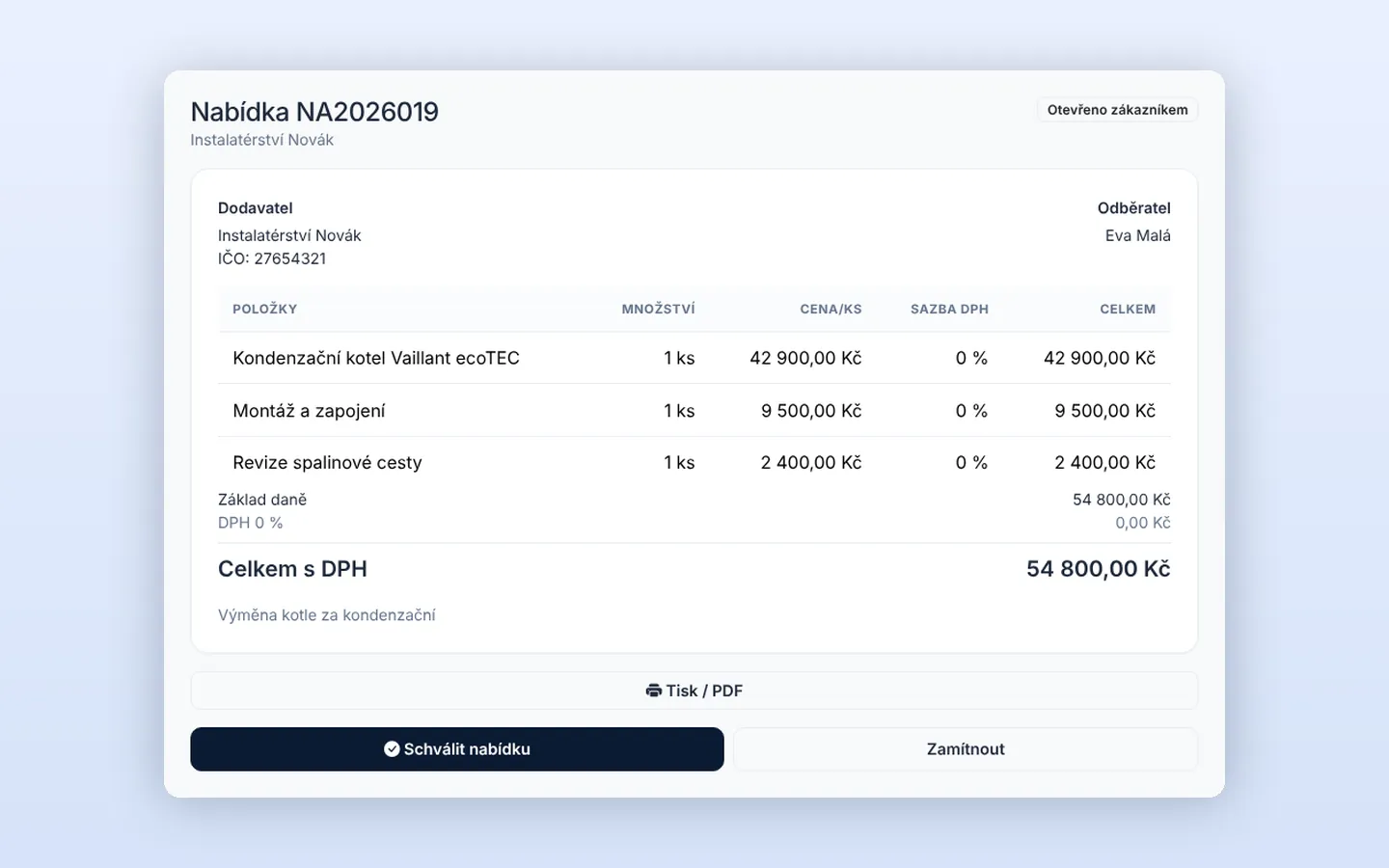
You sent the quote on Monday and the customer approved it on Tuesday evening. On Wednesday you call about a date, no answer. On Thursday they call you, but you are up on a roof. By Friday they have agreed with someone faster. Sound familiar?
Approval and date on one page
When a customer approves a quote online in Homeearly, free slots appear on the same page straight away. They are calculated just like online booking: from working hours and team availability. The customer clicks the time that suits them and that is it.
- The job is scheduled automatically: it goes into the calendar and a free technician is assigned.
- The customer receives an email confirmation with a link to reschedule if needed.
- You get a notification that the job has been scheduled.
- The server prevents clashes, so two customers cannot pick the same slot, even in the same second.
When it helps
The feature is for quotes on jobs that do not have a date yet. Typically smaller repairs, service calls, installations or cleaning, where the date does not depend on weather or material deliveries. Where you need to agree the date in person, such as large renovations, simply switch it off in Automations (Date after quote approval).
The whole journey without retyping
An enquiry from your website form becomes a job, you issue a quote, the customer approves it along with a date and after the work you issue an invoice with QR payment. All in one place, nothing retyped between programs. More on the Enquiries and online booking page.
Try Homeearly for free
Signing up takes a minute: 30 days free with every feature, no credit card and no commitment.