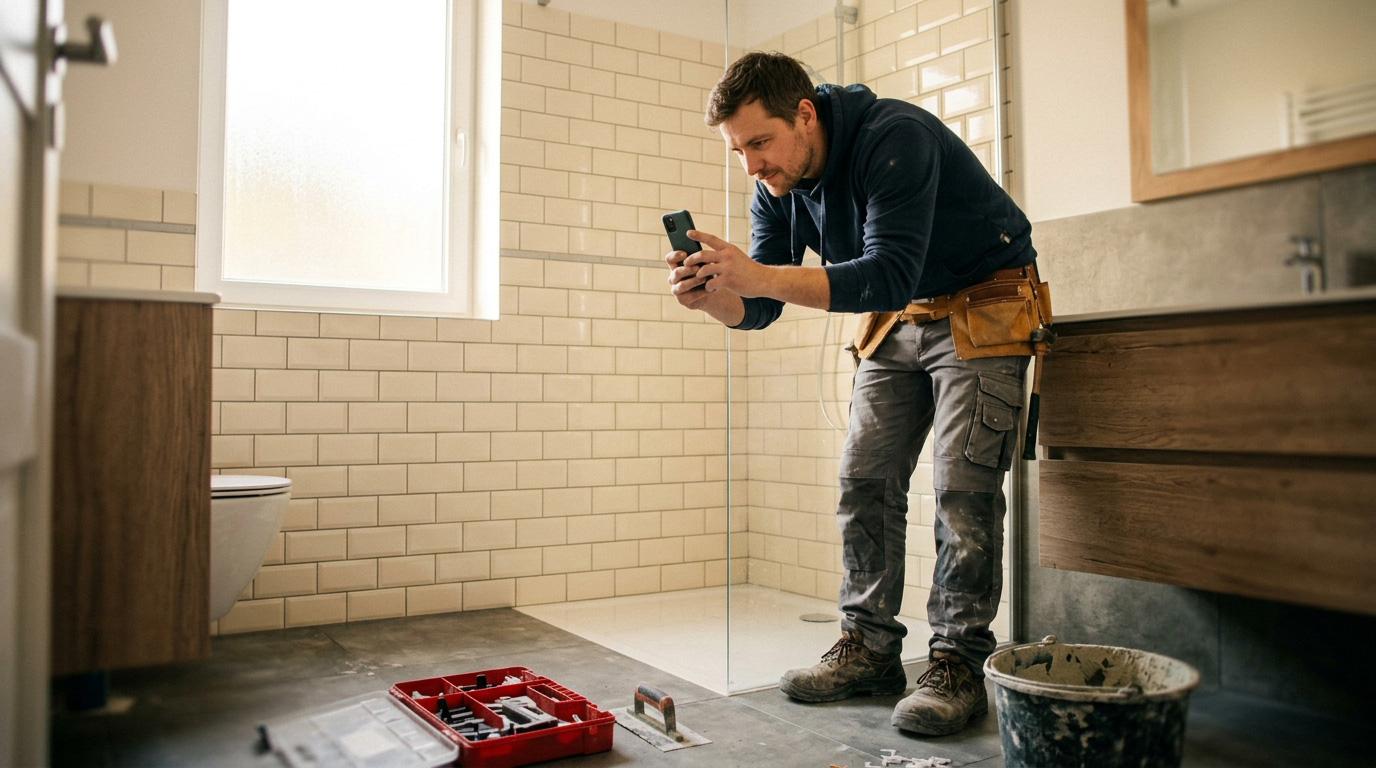
Disputes with customers rarely arise from bad work — they arise because everyone remembers something different. Photos are an impartial witness. All you need is a simple routine.
What to photograph and when
Before you start
- An overall view of the place (room, car, equipment).
- Details of existing damage — scratches, cracks, rust.
- Labels and serial numbers of equipment.
During the work
- Things that won’t be visible once finished: pipes in the wall, insulation, the base layer.
- The materials used and their quantity.
After completion
- The same shots as at the start — ideally from the same spot.
- A tidy workplace. Customers notice.
The customer’s signature on site
A hand-over protocol signed with a finger on the phone screen is just as valid as paper — and it won’t get lost. The customer confirms they accepted the work and you have peace of mind.
Where to store the photos
Not in your phone gallery between holidays and the kids. Photos belong with the job, with the date and address. A year later, when the customer calls with a complaint, you will find them in seconds.
Bonus: use the best before-and-after photos (with the customer’s consent) on your website or social media. Nothing sells better than your real work.
How to do it in Homeearly
In Field mode on your phone you take photos directly into the job, mark them as before/during/after and let the customer sign the hand-over on the screen. Photos can also be backed up to Dropbox automatically. More on the Jobs and field work page.