The new sales registration law (EET 2.0) has passed and registration starts on 1 January 2027. It is simpler than the original EET: fewer details are recorded and the law does not require printed receipts. Every in-person payment still has to be sent to the tax authority, though, and a confirmation code has to come back. Doing that by hand means extra work with every sale.
Which payments EET 2.0 covers
In short: in-person payments, when you and the customer are face to face. Typically cash and card payments on a terminal at your premises or on the job. Remote payments such as a bank transfer against an invoice or a card payment through an online gateway are generally outside the scope. Check the exact scope, exemptions and the rules for small businesses on eet.gov.cz or with your accountant, as the details matter.
What you need to arrange
- A cash register certificate (.p12 file) from the MOJE daně portal. It is valid for 366 days.
- Your tax ID (EIČ) and the registration unit number assigned by the tax authority.
- A decision on which payment methods you record: cash, card on a terminal, transfer or QR payment handed over in person.
What Homeearly does for you
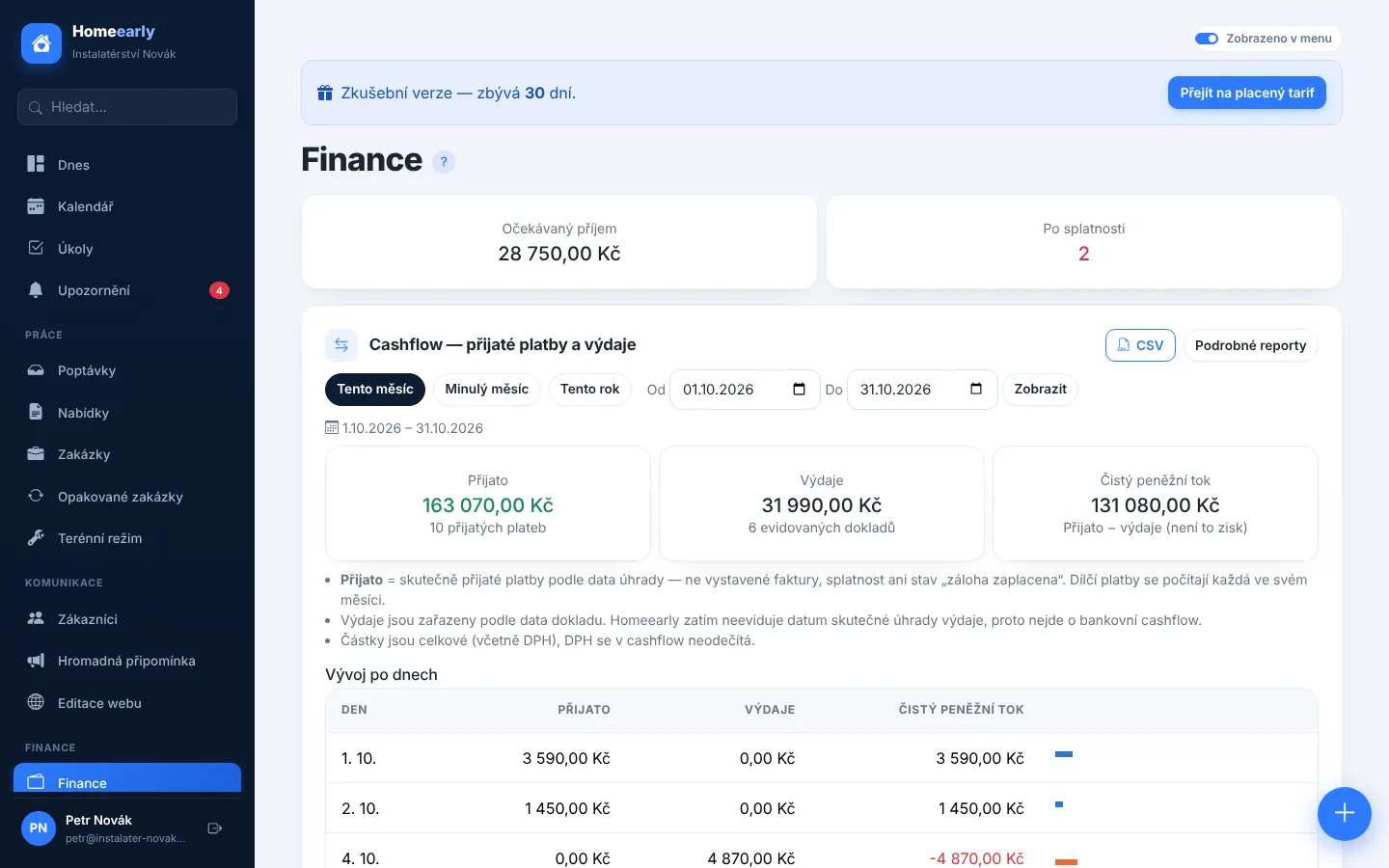
EET lives in Company settings → EET, with the sales overview under Finance → EET. Once switched on, every in-person payment recorded on an invoice or job is sent automatically as a signed data message and the confirmation code (POK) is stored with the payment.
- Connection outages are fine. The sale is queued and sent as soon as the connection is back. The legal limit is 48 hours and you are alerted to any sale at risk of missing it.
- Refunds are handled by cancelling the sale with a negative amount, no manual rewriting.
- Manual sales for payments outside a job, such as selling small items on the spot.
- Connection test in verification mode and a test server, so you go live only when everything works.
- Certificate reminders well before it expires.
- Secure storage: the certificate's private key is stored encrypted and the file password is never saved.
- CSV export for your accountant and a status for every sale.
Get ready this year
Do not leave it until the last week of December. Download your certificate, enter your tax ID and registration unit in Homeearly and try a test submission in verification mode. In January you simply switch to live mode and keep recording payments as usual. More about invoicing and payments on the Quotes, invoices and payments page.
This article is a general summary, not tax advice. The binding wording is in the Czech Collection of Laws and on eet.gov.cz.
Try Homeearly for free
Signing up takes a minute: 30 days free with every feature, no credit card and no commitment.