If you take deposits, match payments or drive a company car, you know how much time it takes. These three Homeearly updates handle exactly the work that used to be done by hand or outside the system.
The tax document for a received payment is issued automatically
A VAT payer has to issue a tax document for a received payment when a deposit comes in. In Homeearly it is created automatically as soon as you mark the deposit as paid or the system matches it from the bank. It has its own number series, the payment date as the date of the taxable supply, and the same base, rate and VAT as the deposit. The customer gets it as a link or a PDF.
The final invoice then deducts the deposit including VAT and shows the VAT summary after the deduction. These tax documents are also part of the export for your accountant: in ISDOC files (the final invoice also carries the deposit deduction) and in a separate CSV for the VAT return.
Payments from any bank statement
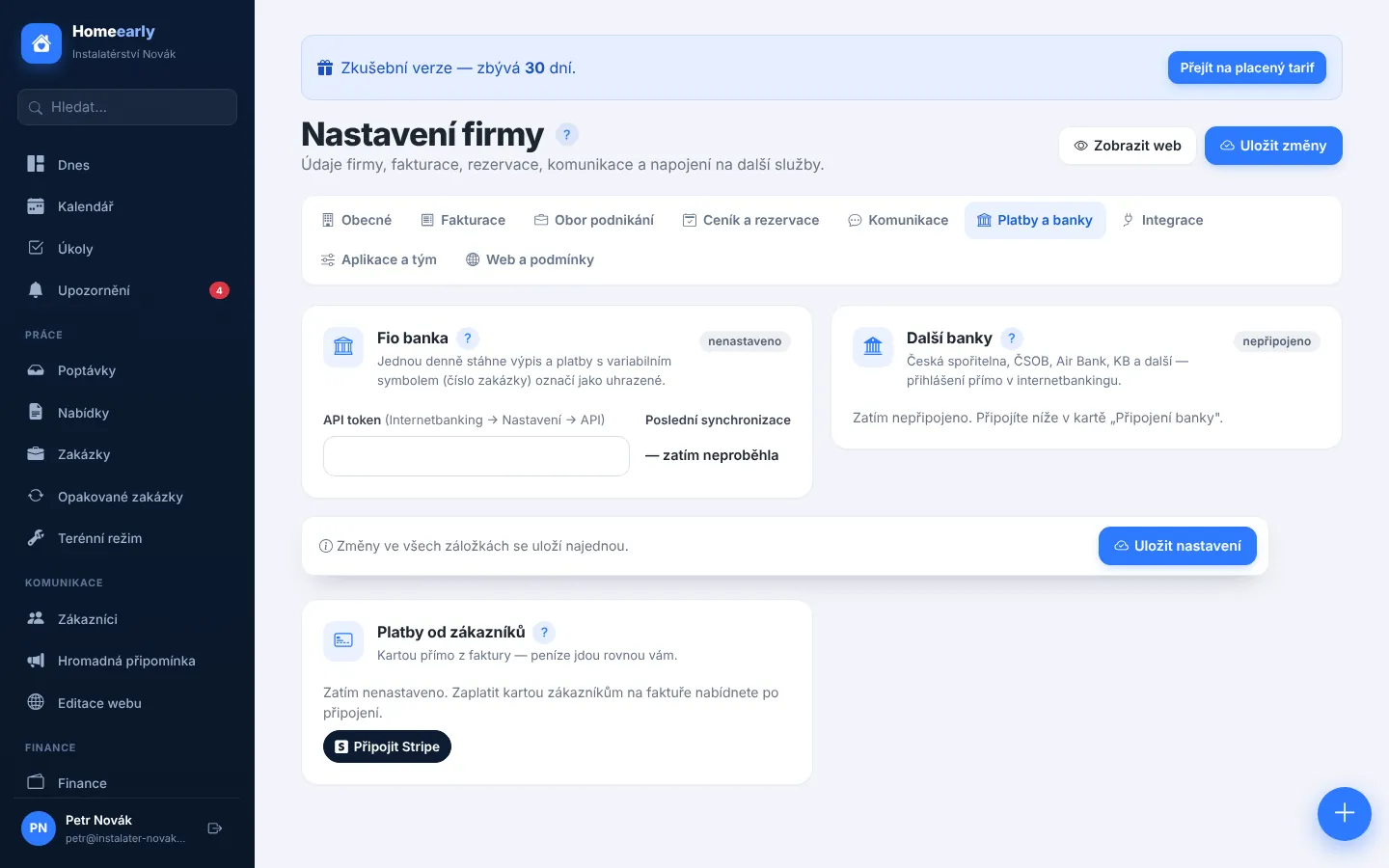
Automatic payment matching used to rely on a bank connection. Now you can simply upload a statement from your internet banking in GPC/ABO, CSV or camt.053 XML format. Homeearly finds incoming payments, matches them by variable symbol or the document number in the message with unpaid invoices and proformas, and shows a preview. Nothing is saved until you confirm, and the same payment is never recorded twice.
Logbook with odometer readings
The logbook used to be built from trips to jobs. Now you can also add manual trips, both business trips outside jobs and private ones, plus odometer readings. Each trip gets its odometer reading before and after. At the next reading the system shows the difference against the logbook, and you can add the missing kilometres as private trips with one click. The overview shows business and private totals, and the Excel export includes the trip type and the odometer readings.
More about invoicing and payments is on the Quotes, invoices and payments page.
This article is a general summary, not tax advice. Discuss how to book these documents with your accountant.
Try Homeearly for free
Signing up takes a minute: 30 days free with every feature, no credit card and no commitment.