Tradespeople, technicians and service companies know the drill: the contract gets printed at home, the report is filled in with a pen on the bonnet of the van, and a month later nobody can find it. Homeearly now lets you create a works contract, a handover report and an inspection report right from the job. The customer signs on screen and the signed PDF is saved automatically.
Filled in from the job
There is nothing to retype. The document is filled in with what is already in the system:
- Customer and contractor: name or company, company ID, VAT ID, address, phone and email.
- Place and dates: the job address and when the work starts and finishes.
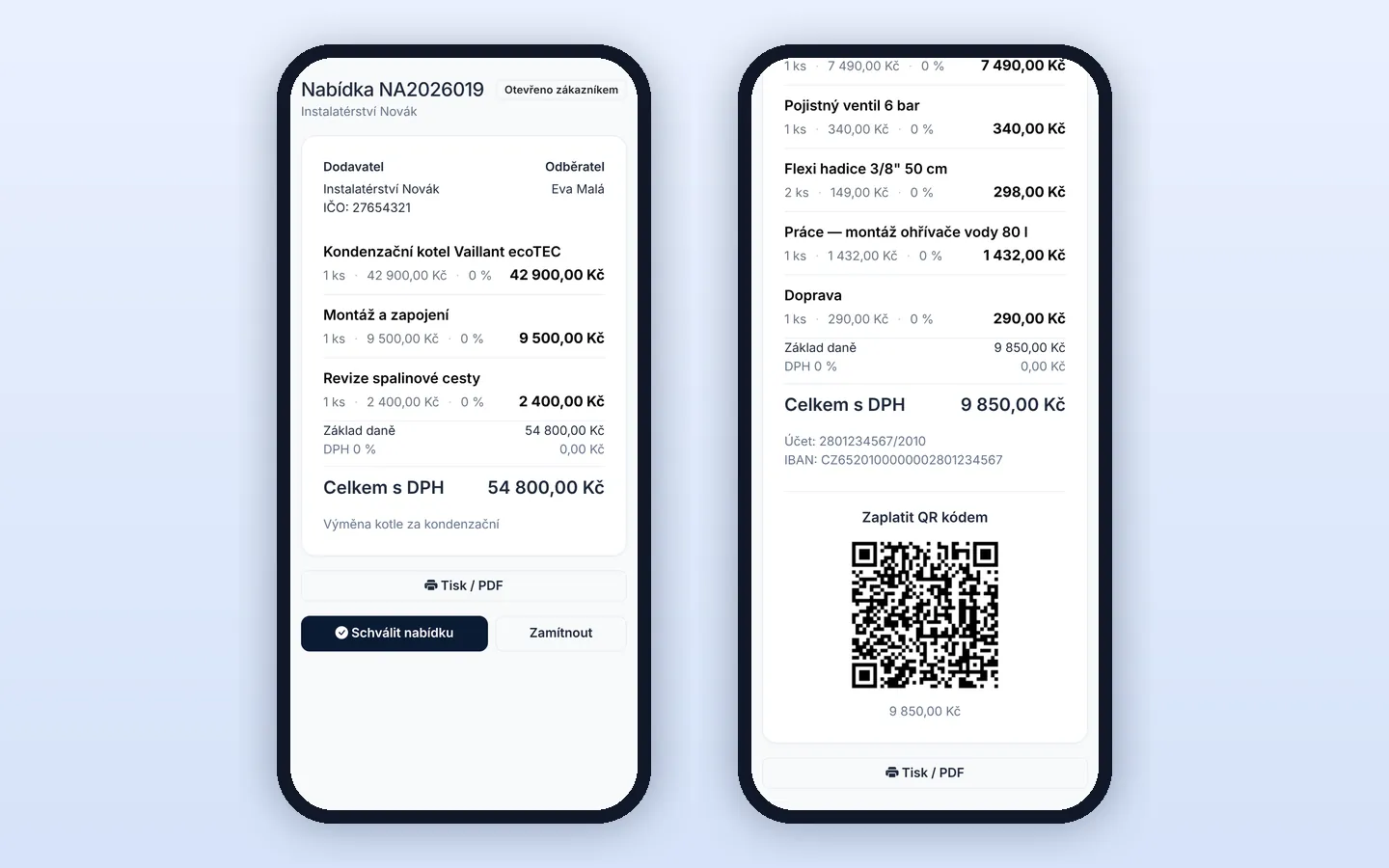
- Items and price from the approved quote, including VAT, deposit, payment terms and warranty.
- Materials used and work done for the handover report.
- The customer’s equipment and the inspector’s details for the inspection report.
You can change anything before signing. Default texts, such as contract terms, the warranty period or the list of documents handed over, are set once in a template and filled into every new document.
Three documents every trade needs
- Works contract: scope of work, priced items, dates, payment terms, warranty and other terms under Czech civil law.
- Handover report: work done, materials used, defects with a deadline for fixing them, documents handed over, acceptance with or without reservations, and photos of the finished work.
- Inspection report: type of inspection, subject, inspector and certificate number, standards, measuring instruments, a table of measurement results, defects, an overall verdict and the date of the next inspection.
Sign on site or remotely
On the job, the technician hands the customer a phone or tablet and they sign with a finger. The technician can sign for the company too, and the company stamp is added automatically. If the customer is not on site, for example for a contract before the work starts, one button sends them an email link. They review the document and sign on their own phone or computer, and you get a notification as soon as they do.
Once signed, the content is locked and a PDF is created with the signatures, date and time and a fingerprint of the document content. It is saved with the job documents and emailed to the customer. If something needs to change, you create a new version and have it signed again.
Everything easy to find
The menu has a new Smlouvy a protokoly (Contracts and reports) tab with every document of your company, search by customer, job, number or document text, and an overview of what is still waiting for a signature. Field workers only see documents for their own jobs. More about working with jobs is on the Jobs and field work page.
The sample contract texts are a starting point, not legal advice. Adapt them to your practice before first use.
Try Homeearly for free
Signing up takes a minute: 30 days free with every feature, no credit card and no commitment.