Retainers are a blessing for a small business: guaranteed income every month. There is a catch, though. Someone has to issue the invoice, and when it is forgotten in a busy week the money arrives a month late. Or not at all, because after a while nobody remembers which months have been billed.
One rule instead of twelve reminders
Under Finance → Recurring invoices set up a rule: customer, items, price and frequency. Monthly, quarterly or once a year. On the due date the system issues the invoice exactly as if you had clicked “Issue invoice”: with the right number, VAT and your company header. Depending on your settings it emails it to the customer straight away, with the PDF attached.
What it is good for
- Cleaning of offices and shared spaces for a monthly fee.
- Maintenance of gardens, facility management, service contracts for boilers, air conditioning or lifts.
- Rental of equipment, space or machinery.
- Accounting and advisory services at a fixed monthly price.
- Memberships and courses paid monthly or quarterly.
What if something goes wrong?
Recurring invoices are built so nothing gets lost. Missed dates are caught up, so if the system cannot issue an invoice on the day for any reason, it does so on the next run. You are alerted if it fails. A paused rule issues nothing, which is handy over winter for seasonal maintenance.
Because these are ordinary invoices, everything else works with them too: QR payment, bank payment matching, automatic reminders after the due date and thank-you messages for payment.
Getting started
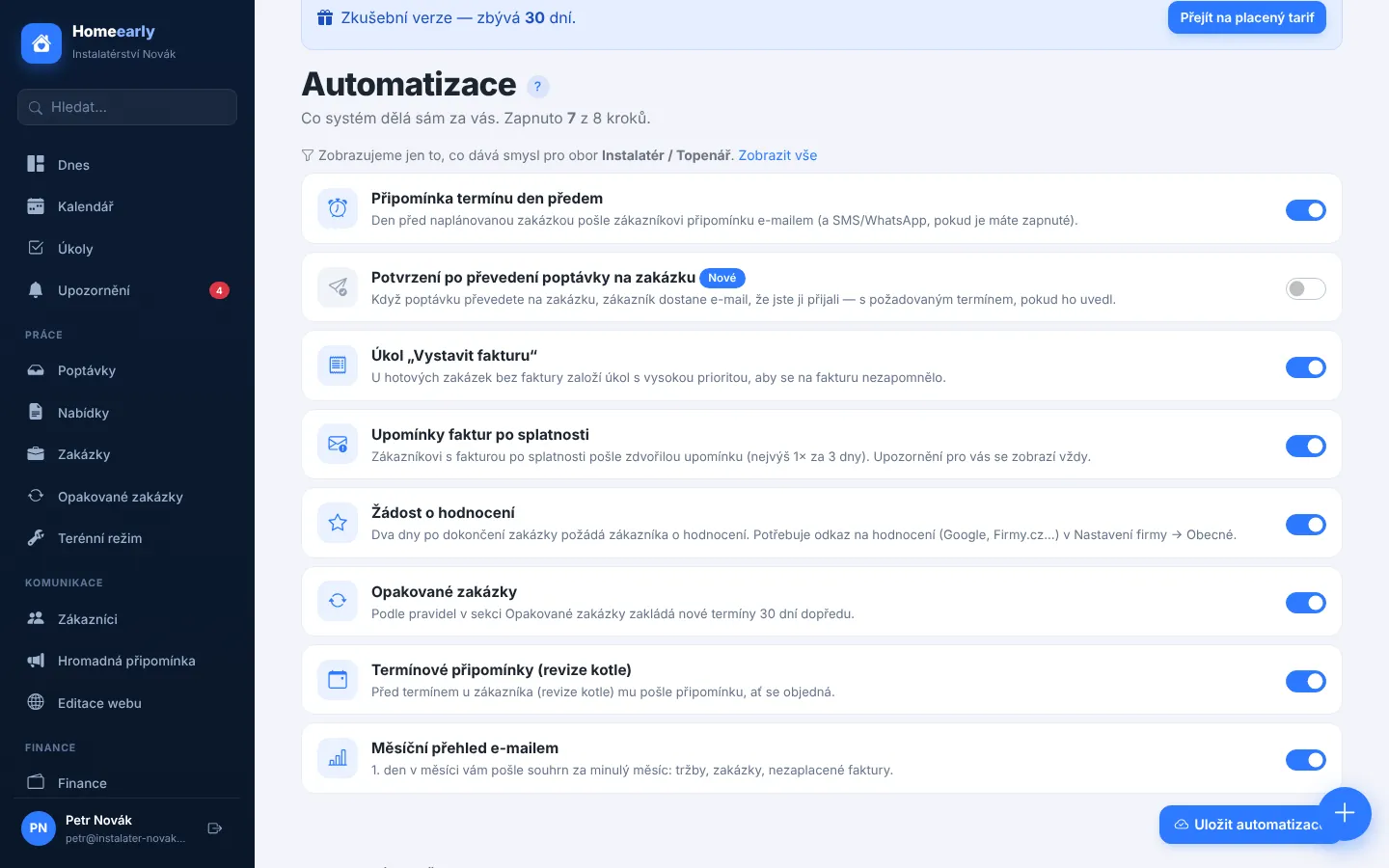
Turn on recurring invoices in Automations and set up your first rule in a few minutes. To keep both the work and the invoices for regular customers under control, have a look at recurring jobs, which schedule the work itself.
Try Homeearly for free
Signing up takes a minute: 30 days free with every feature, no credit card and no commitment.