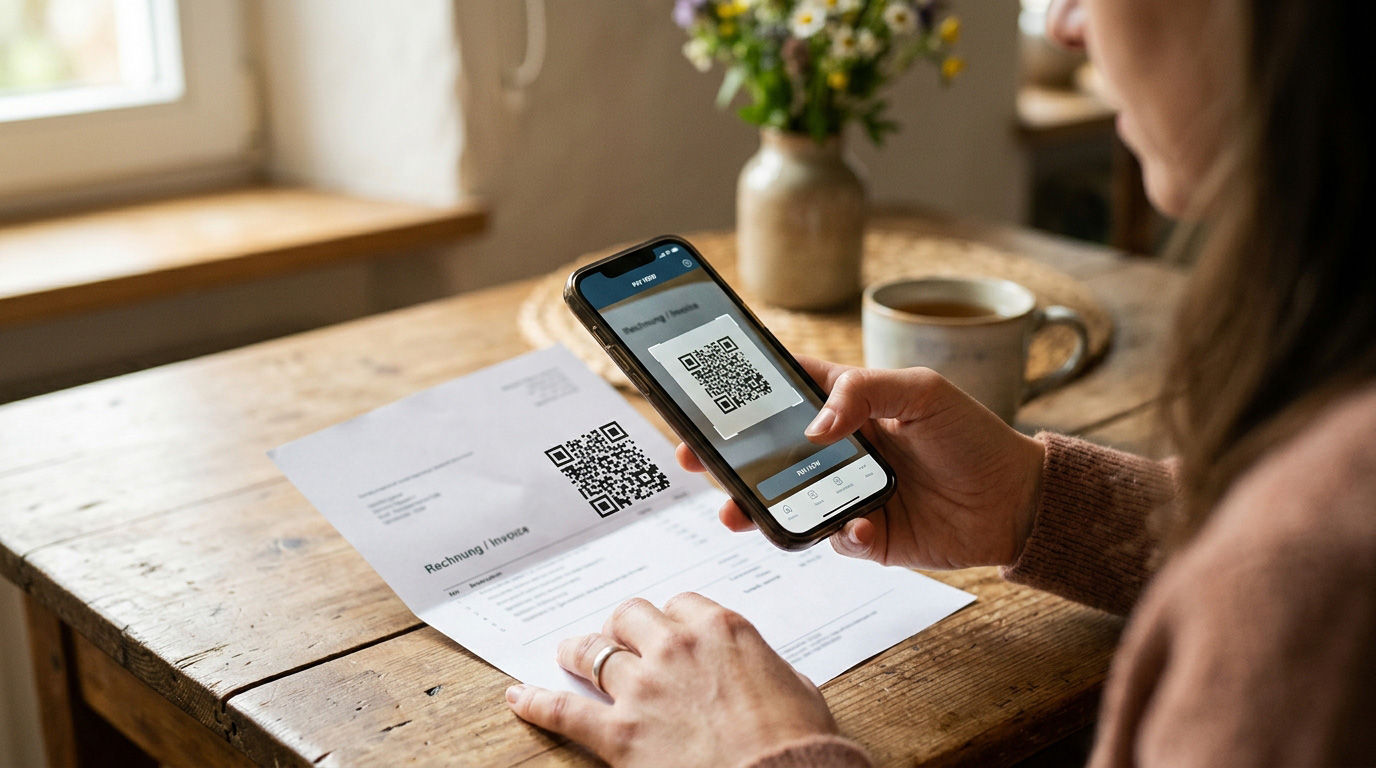
Late payments are a quiet problem for a small business. The work is done, the materials are paid for — and the money is nowhere. Often it isn’t bad intent but convenience: the customer plans to “pay it tonight” and then forgets.
Why QR payments work
The customer opens their banking app, points the phone at the code and confirms. Account number, amount and payment reference are filled in automatically. No copying, no mistakes in the reference — and you can easily match the payment afterwards.
5 rules for faster payments
- Invoice immediately — ideally on the day the job is finished. The later the invoice arrives, the later it gets paid.
- Shorter due dates — for small jobs, 7 days instead of 14 is fine.
- Always include a QR code — on the PDF and in the email.
- Allow card payments — with online payments the customer pays right after clicking the link.
- Automatic reminder — the day after the due date, polite and to the point.
How to write a reminder that doesn’t annoy
Most customers forgot — they aren’t cheating. A reminder should therefore sound like a service, not a reproach:
Hello, this is a friendly reminder of invoice no. 2026015 due on 10 September. If you have already paid, thank you and please ignore this message. For a quick payment you can use the QR code attached.
Send the second reminder after a week, the third one together with a phone call. Log every step with the customer.
How to do it in Homeearly
Every invoice automatically includes a QR payment, the customer can also pay by card, and overdue reminders are sent on their own (at most once every three days). More on the Quotes, invoices and payments page.