Quotes, invoices and payments
Quotes approved online, invoices with QR payments and automatic matching of bank payments.
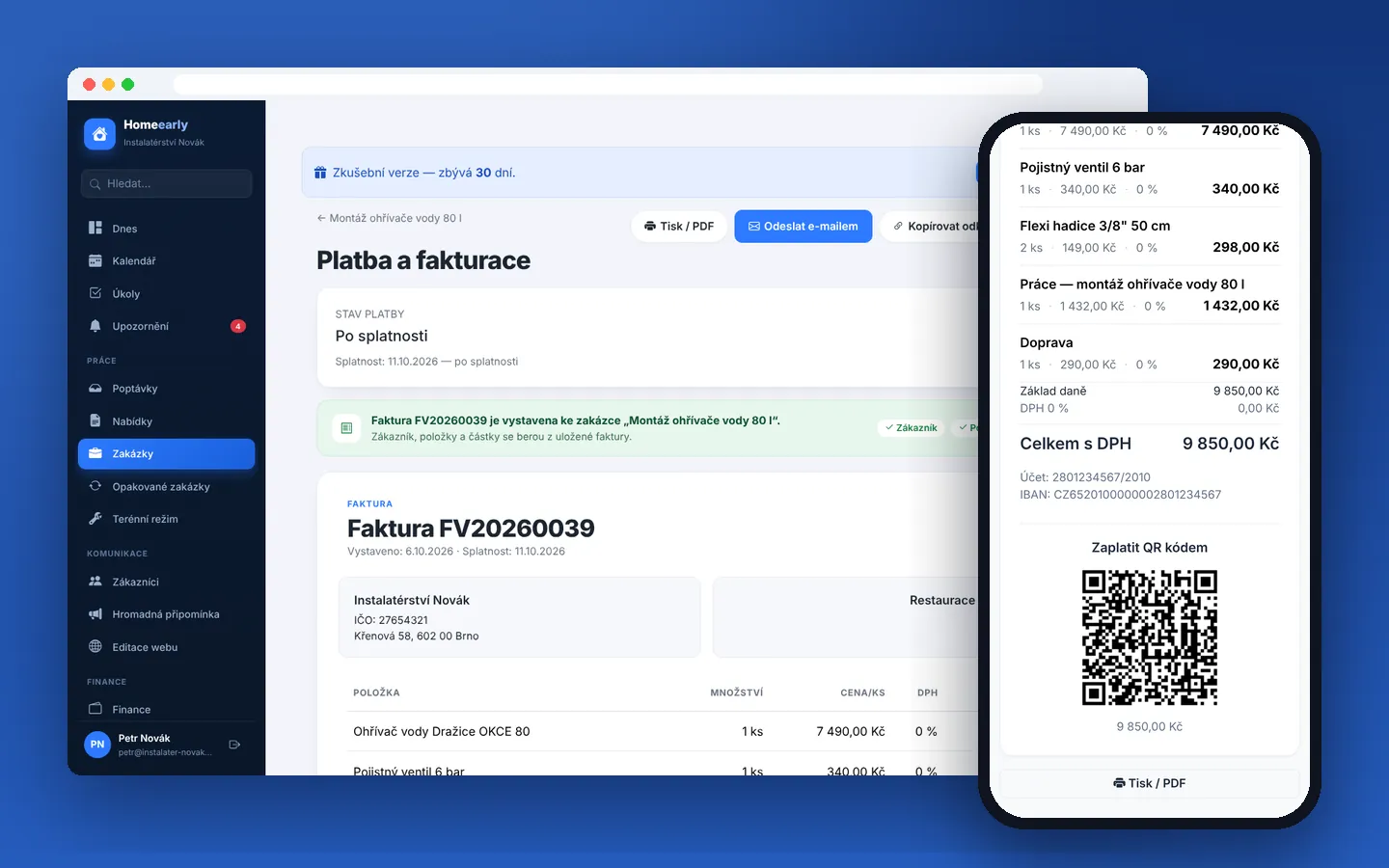
Quotes approved online, invoices with QR payments and automatic matching of bank payments.
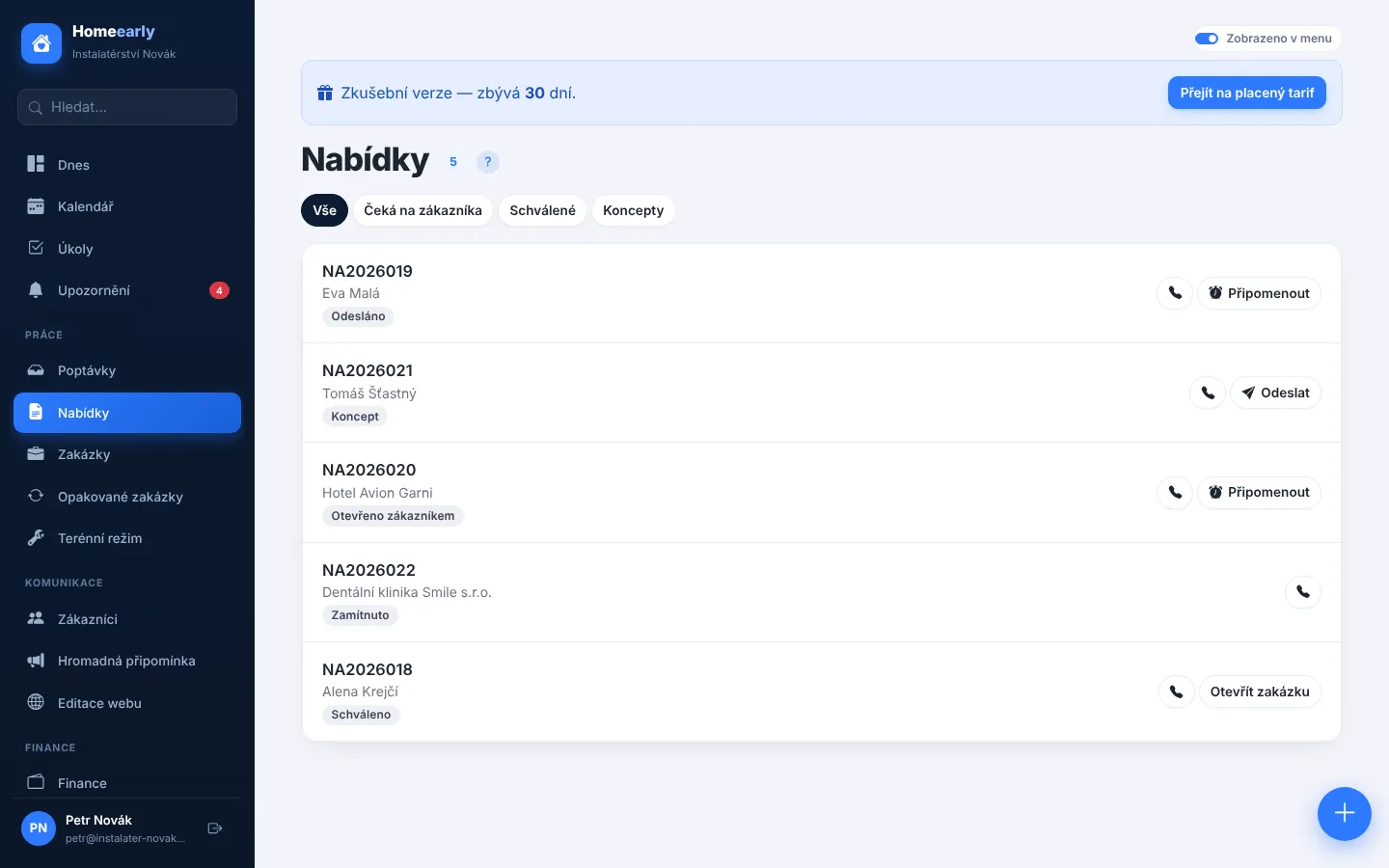
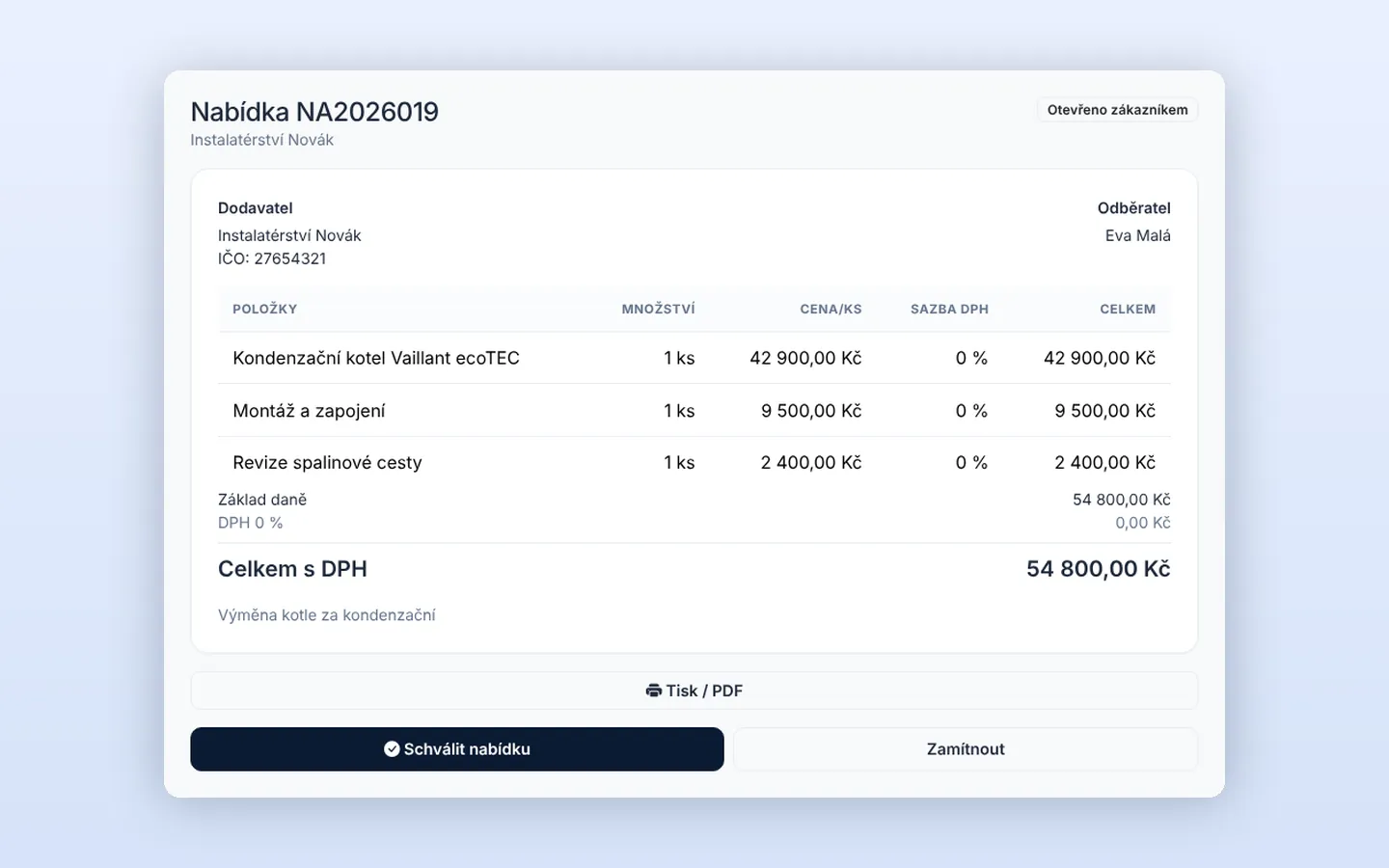
The customer accepts the quote with one click.
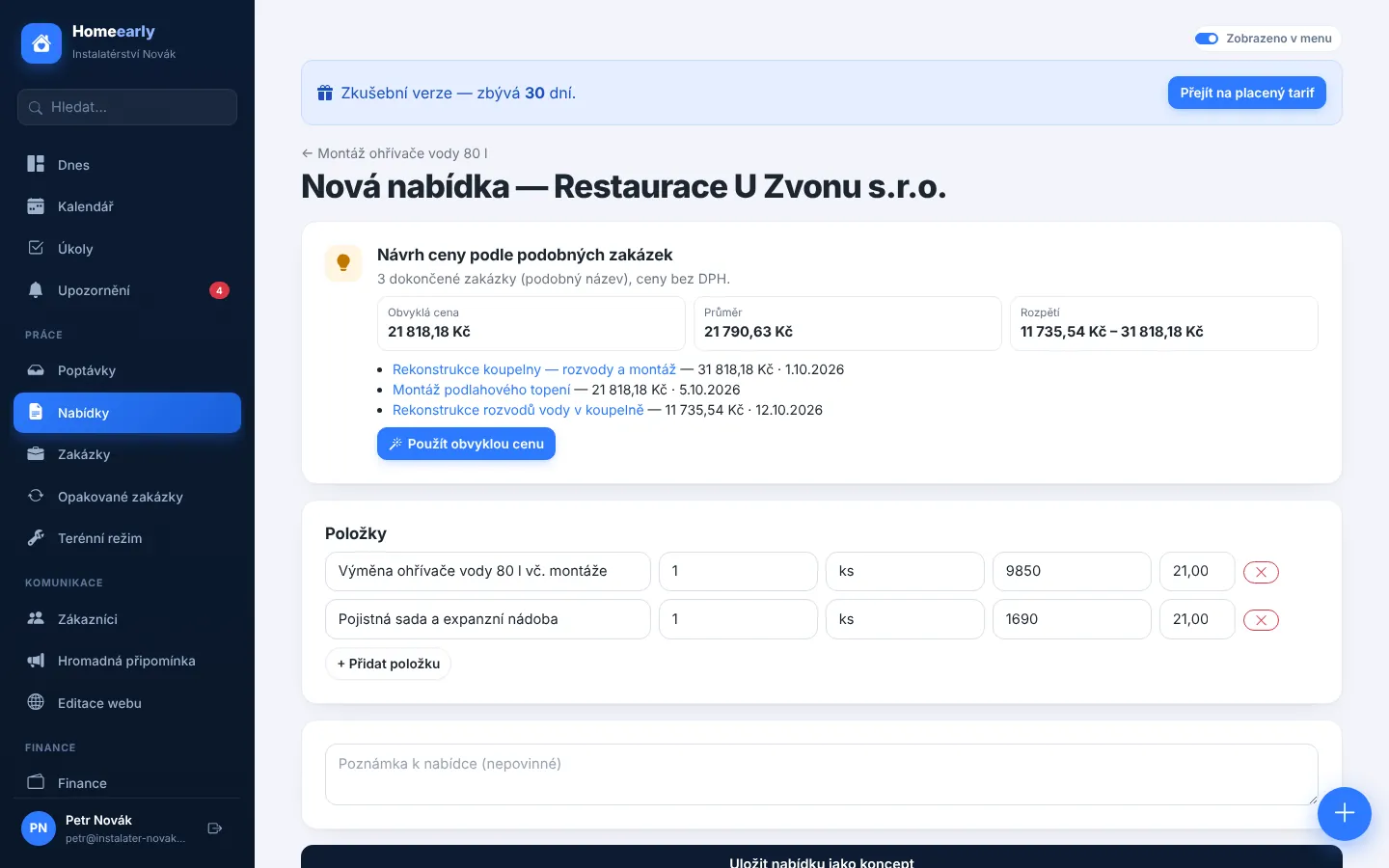
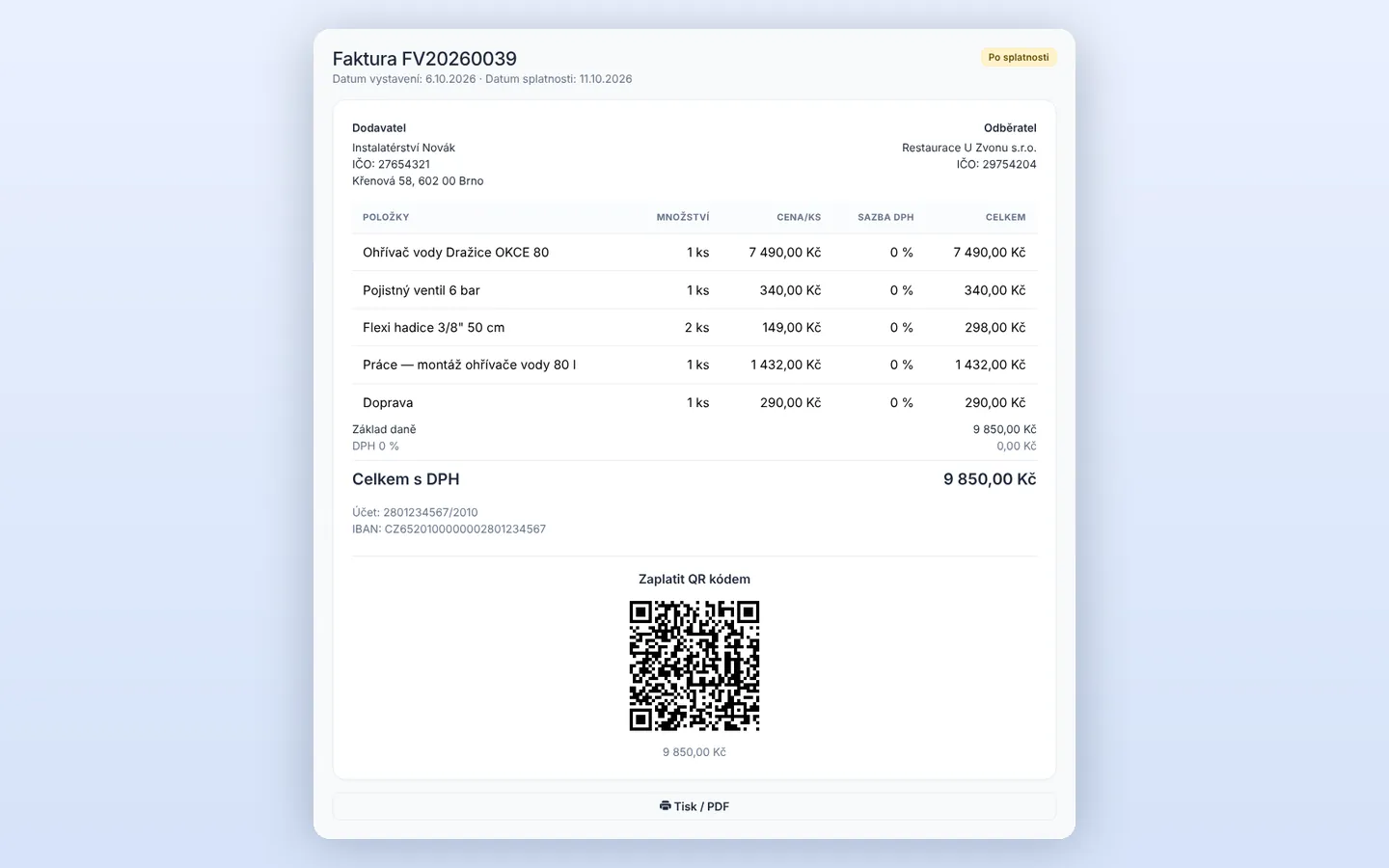
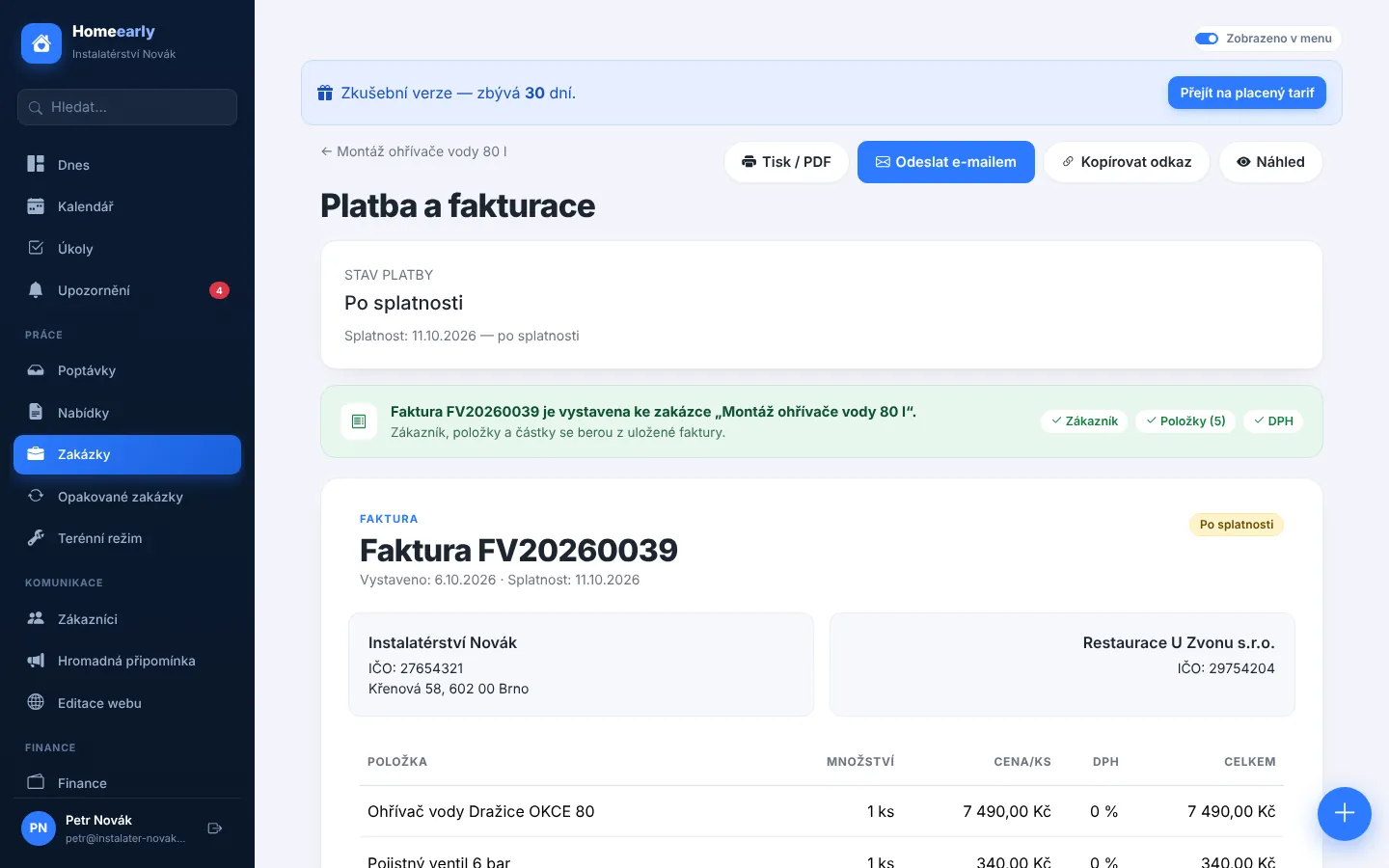
In a few clicks, including sending by email.
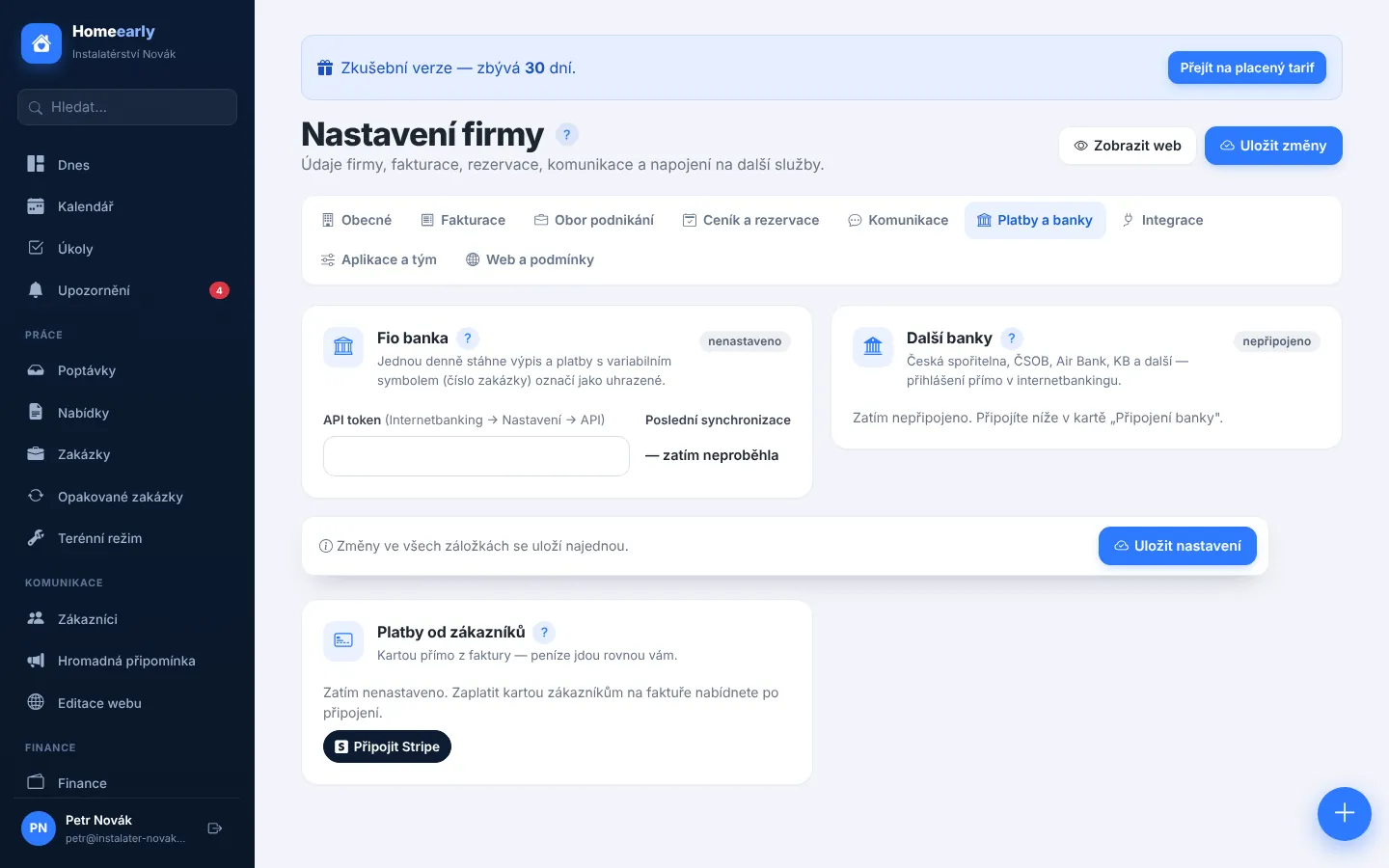
Via Stripe, the money goes straight to you.
Fio, ČS, ČSOB, KB, Air Bank and more.
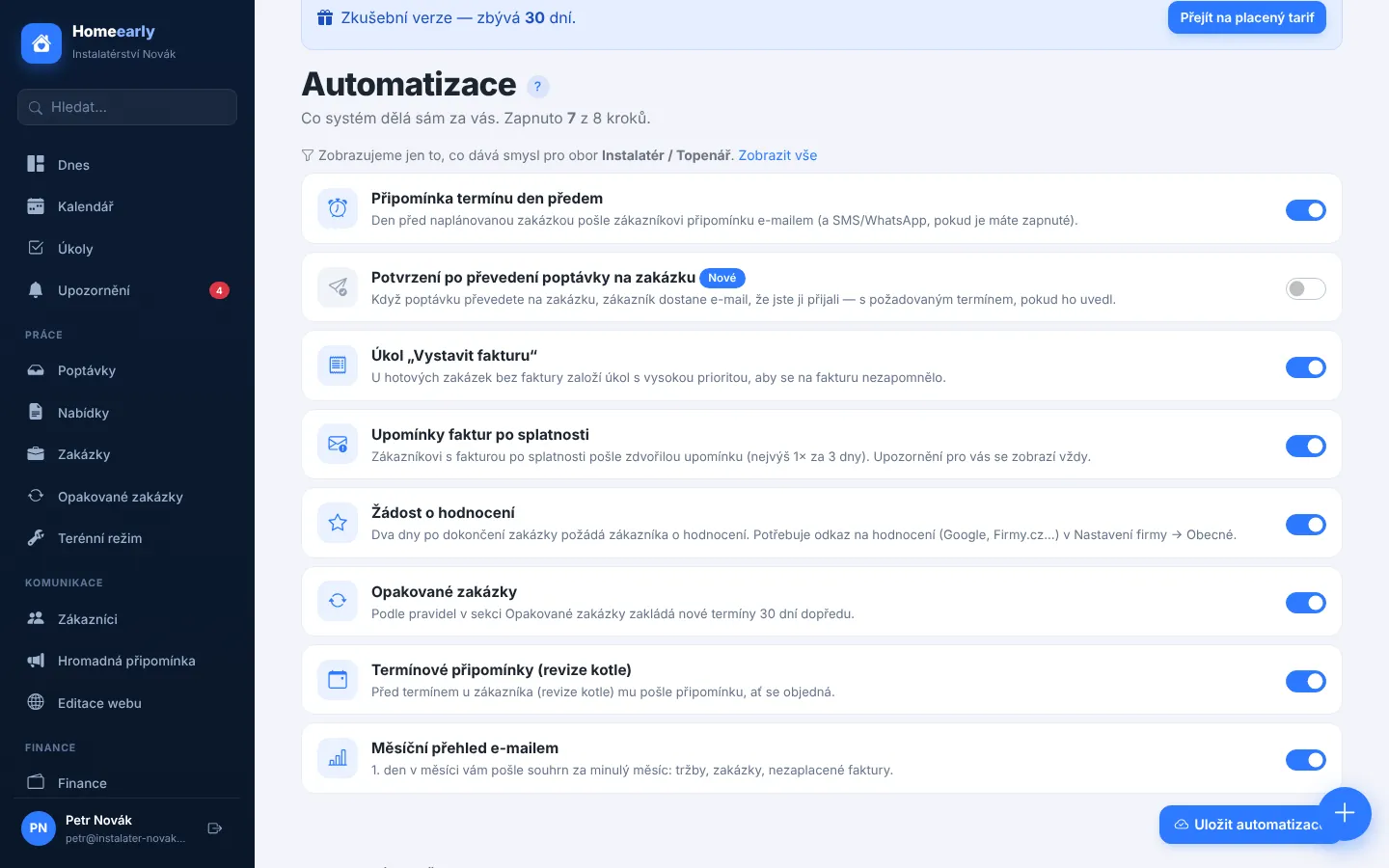
Sent by themselves after the due date.
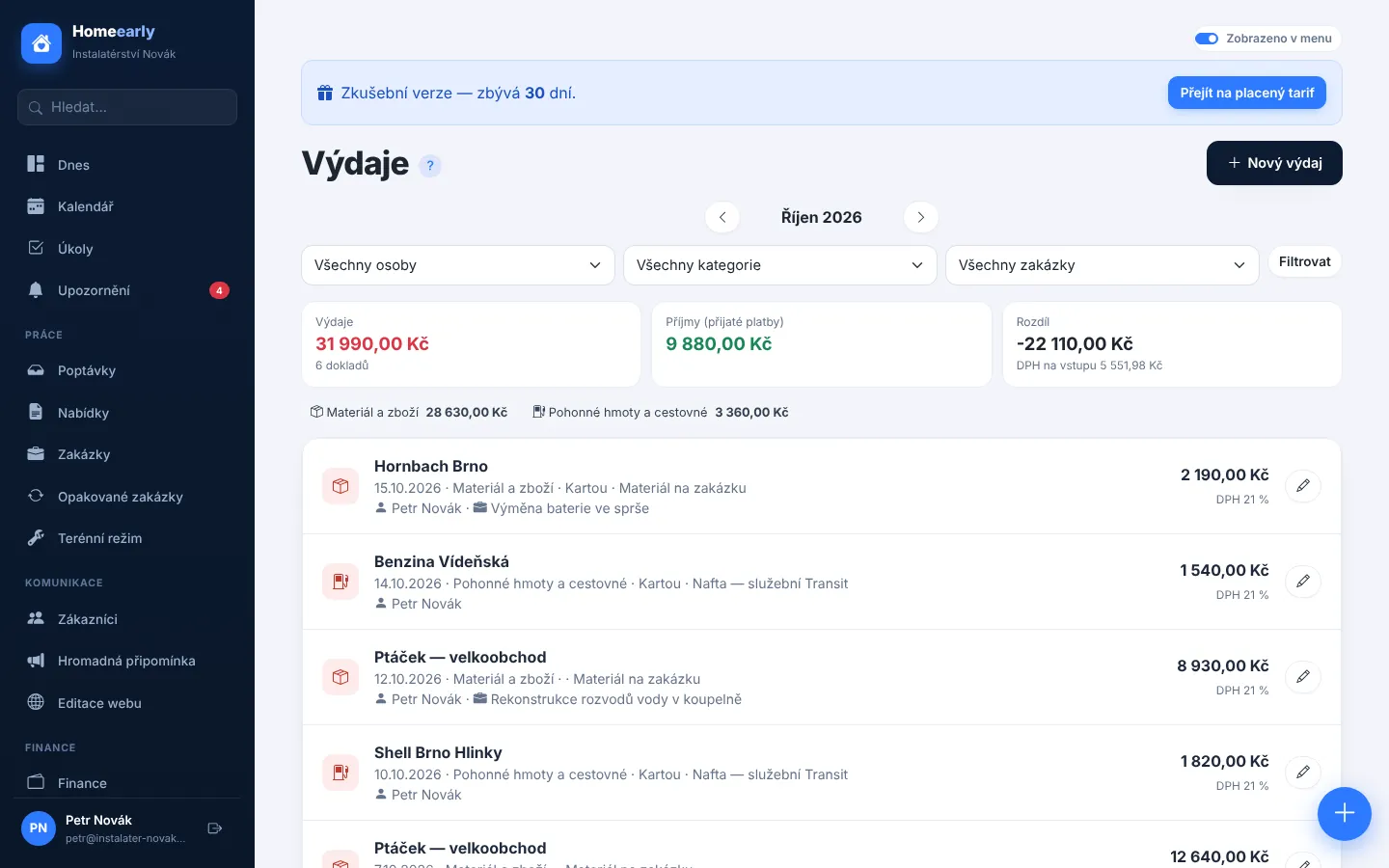
Snap a receipt and the details fill in automatically.
Money S3, ABRA Flexi and CSV for Excel.
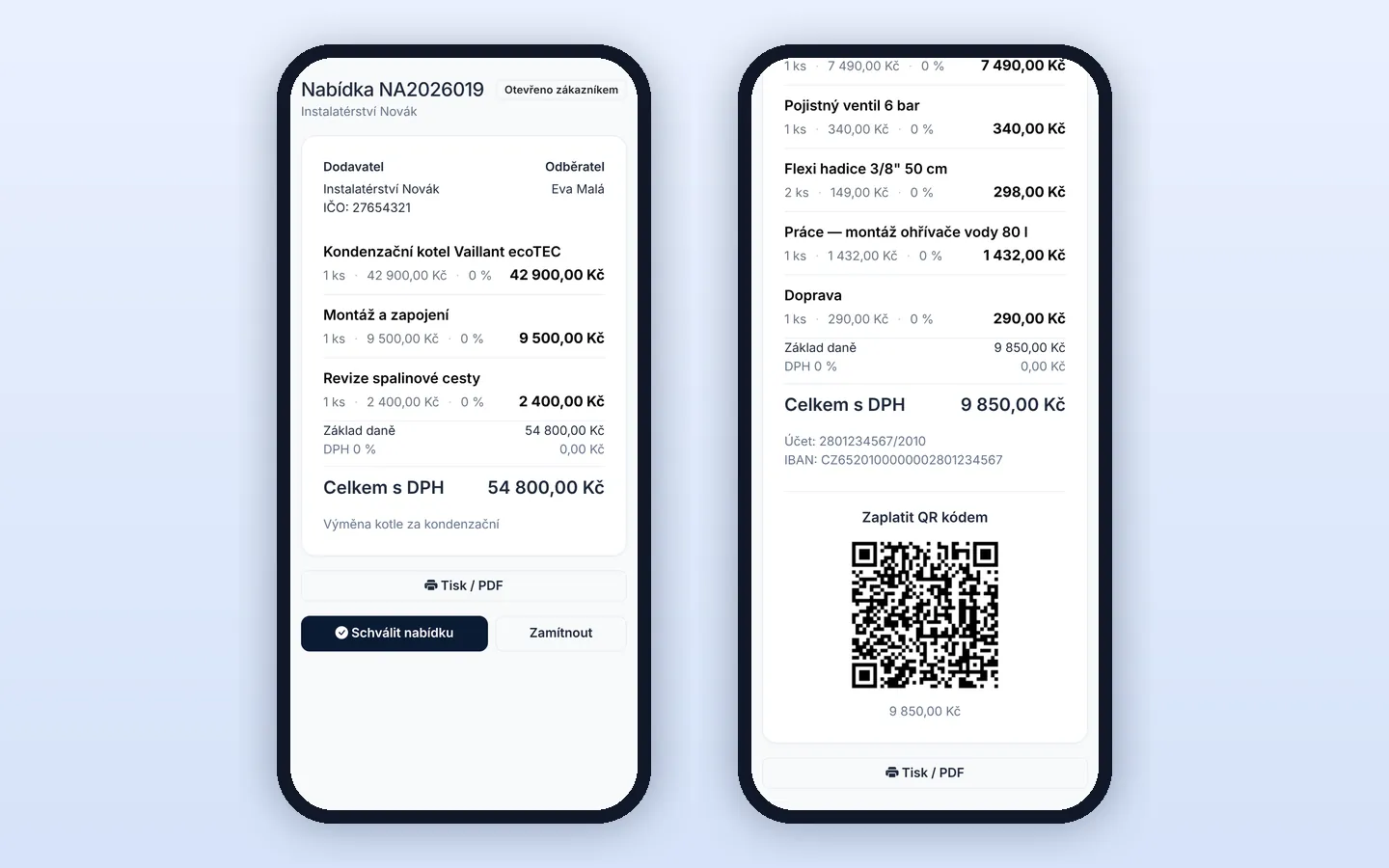
The QR code on a receipt or invoice is read automatically and the supplier is filled in from the ARES register.
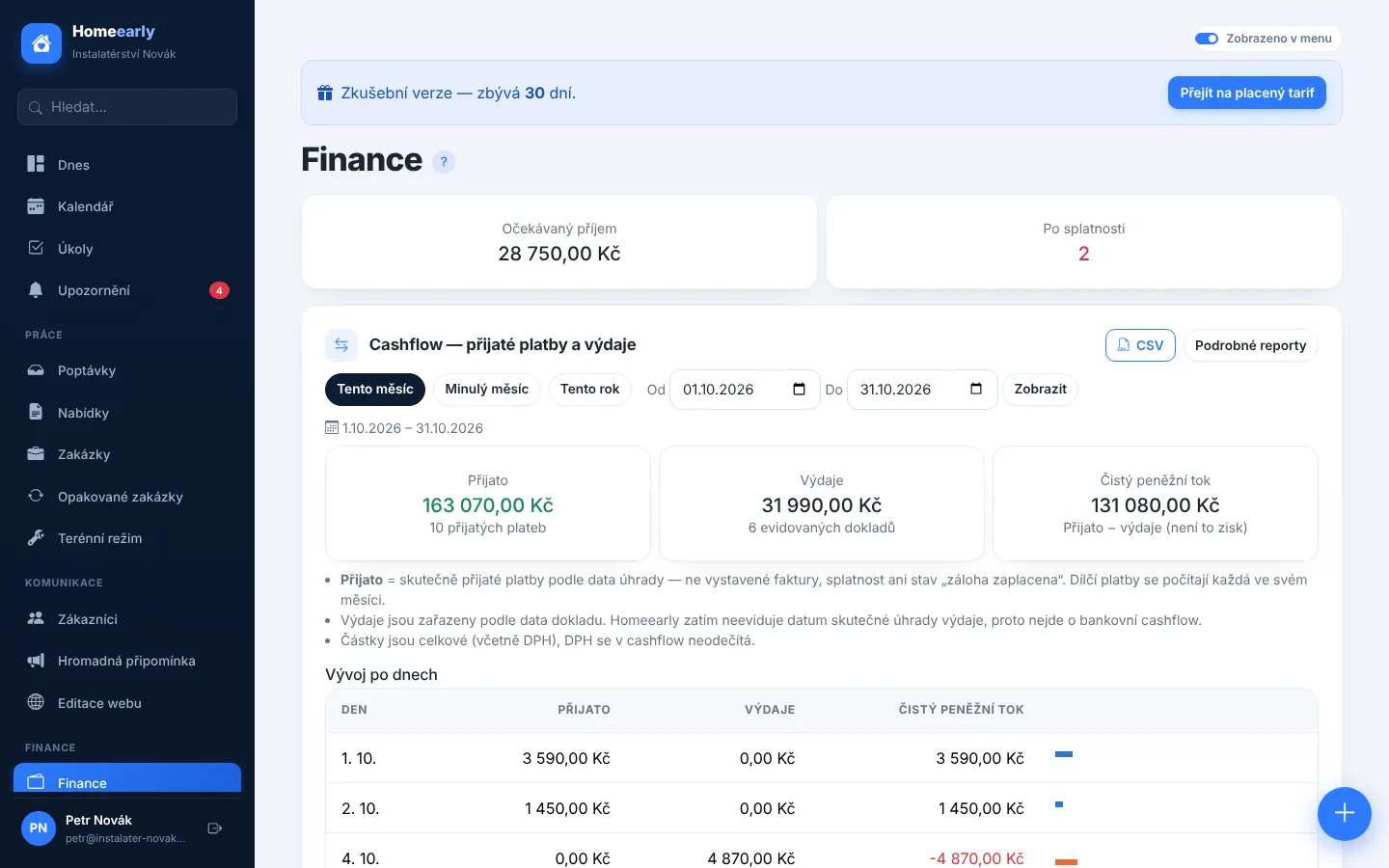
Money in and out, expenses by category, the most and least profitable jobs.
The system shows the usual price based on similar finished jobs.
An hourly rate or an individual price by scope — e.g. for events where each one is different.
The customer approves it online.
Without retyping items.
The customer pays from their phone.
The invoice is marked as paid.